

Loading view.
For Staff

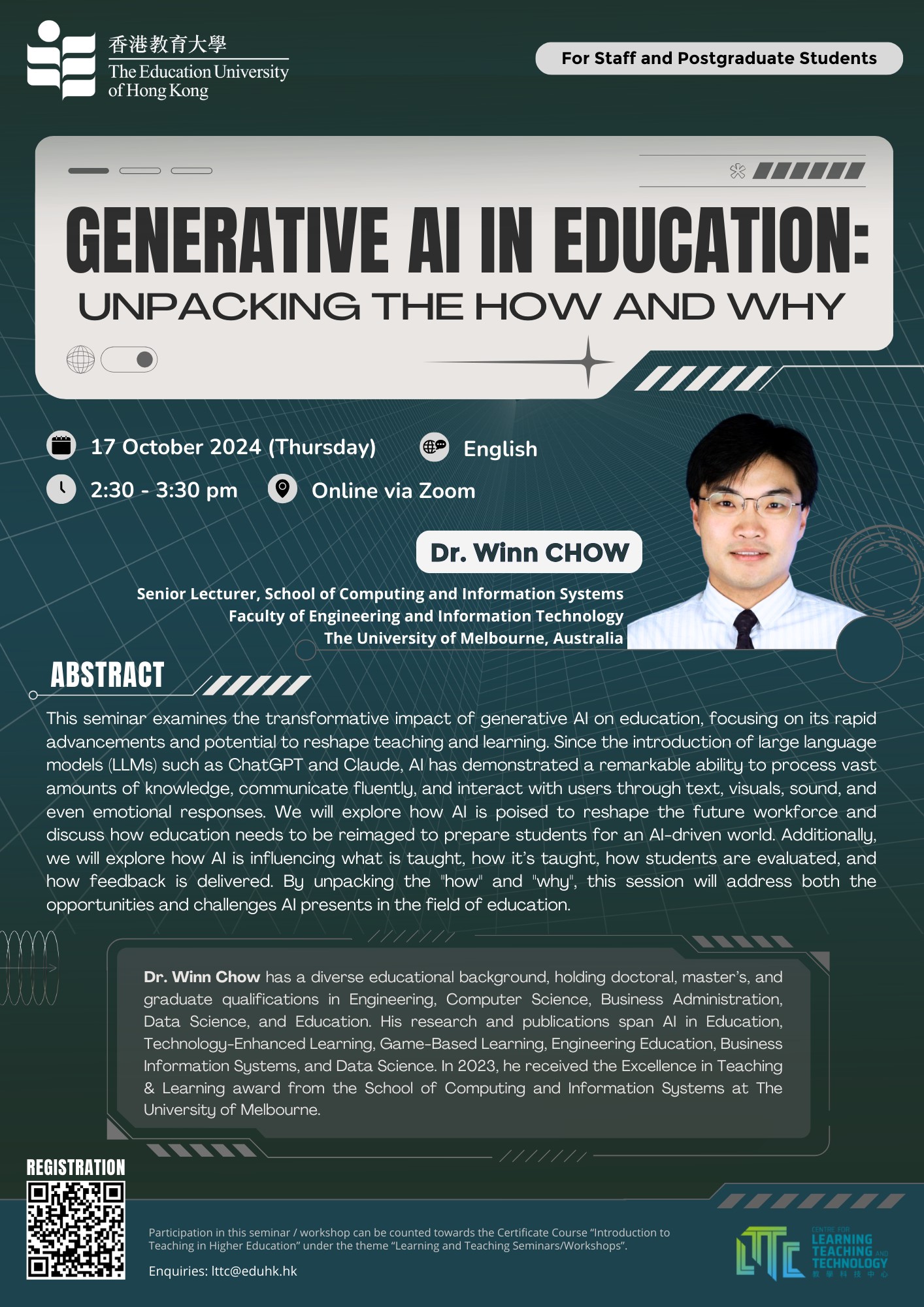

Generative AI in Education: Unpacking the How and Why
Online through Zoom
Internationalisation – “Cultural Awareness Competence and Safety”
STEM Innovation Hub (C-LP-06)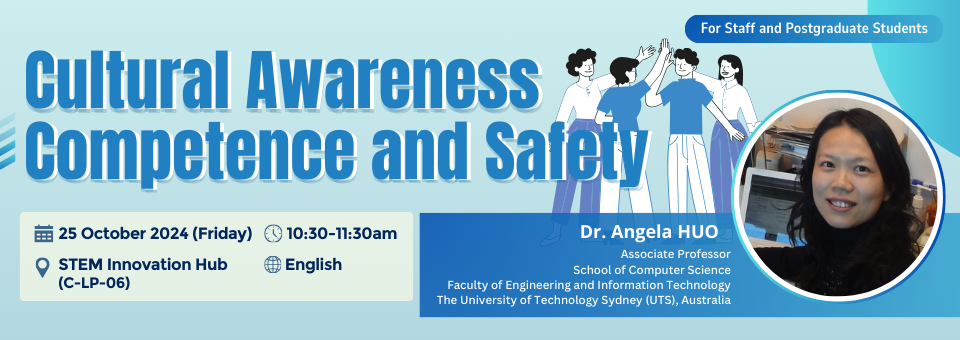
Cultural Awareness Competence and Safety
STEM Innovation Hub (C-LP-06)

Creating Standard Talking Head/Screencast Presentation (English/Cantonese)
online via zoom Online via Zoom
Virtual Event
Creating effective video learning resource is not an easy task without state-of-art and easy-to-use video production system and venue. The Video Production Room of LTTC is built for colleagues to produce quality video learning resources in a technology-enhanced and user-friendly production environment. The Video Production Room (E-P-16) is equipped with automatic HD video camcorder, tie-clip microphone, professional lighting system and chroma key effect background. Colleagues with little knowledge of video production can manage to produce quality talking head and screencast videos which will be useful resources for daily teaching, implementing flipped classroom strategy and assisting in mini-MOOC development. To let colleagues know more about the production and the room, a workshop on “Create your Talking Head/Screencast Presentation” will demonstrate how to create video resource in the Video Production Room and highlight some tips for making effective talking head and screencast video for learning and teaching.

ITCE Pathway: Student Teacher Education Program (STEP)
Online through ZoomIn collaboration with Microsoft Hong Kong, the LTTC is offering a hybrid programme riding on its Student Teacher Education Program (STEP) to prepare our pre-service teachers who are new to integrating technology to be successful in using technology tools to create interactive and collaborative learning environments that empower learners.

Creating 360 Virtual Tours for Teaching in VR-CAVE (For Staff)
C-2/F-01D (STEM Room @ Library)The Cave Automatic Virtual Environment (VR CAVE) at the EdUHK is the largest immersive VR environment in Hong Kong, providing 360-degree interactive projections and allowing multi-player interactions. Currently, some schools have established VR CAVE for providing learning activities in different subjects. Students and teachers are ready to use VR CAVE in education!
Using multi-player 360 virtual tours in teaching is a unique and fun way to engage and inspire students to learn by providing an immersive learning experience. You are cordially invited to attend the following workshop to learn how to create multi-player 360 virtual tour for teaching in VR CAVE. Details of the workshop are as follows:
Visit VR CAVE
Hands-on experience in 360 Designer
Design and develop VR CAVE projects


